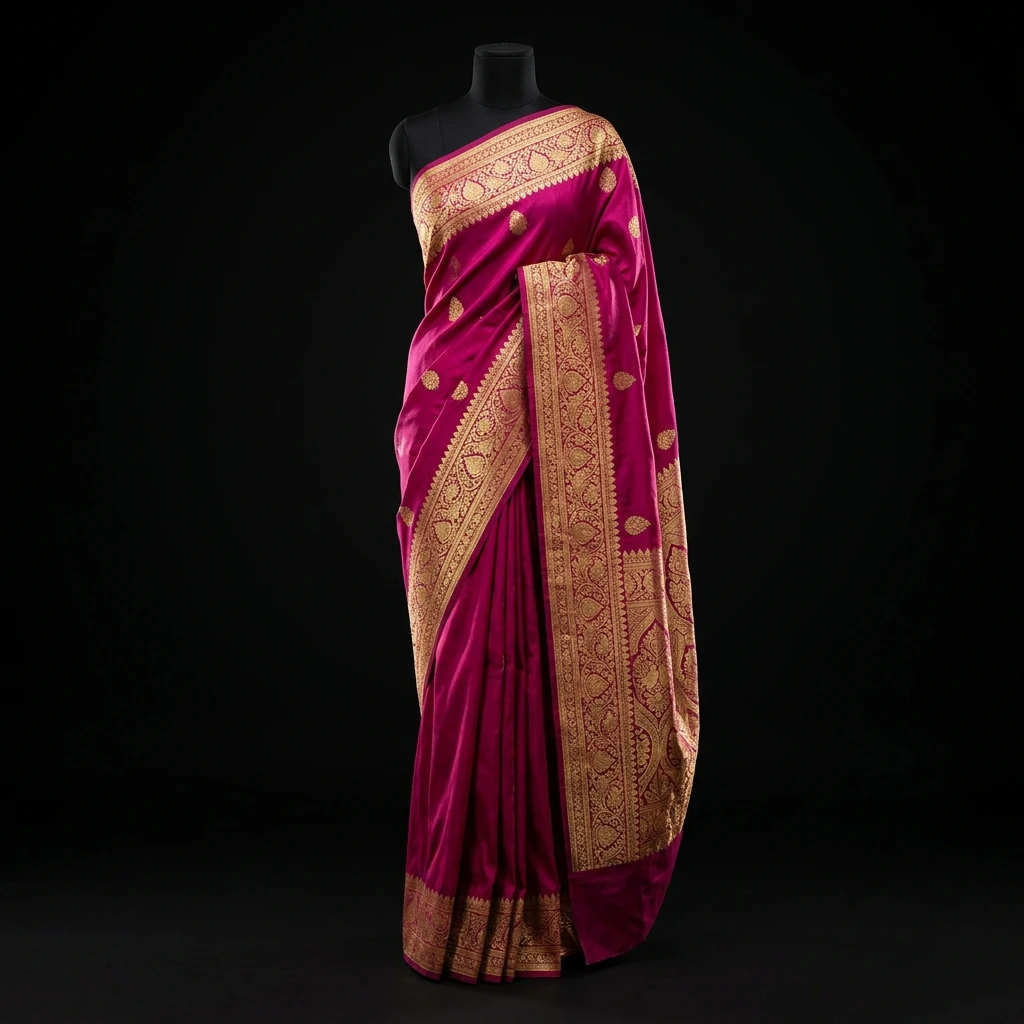
What Is a Digital Wardrobe?
A digital wardrobe is a digital representation of the clothes and accessories you already own, organised so you can view, browse and use your wardrobe more easily.
In practice, this means a digital closet that works more like a wardrobe organiser than a photo album: a physical closet only shows you what's directly in front of you — whatever's at eye level, on top, or nearest the door. A digital wardrobe shows you everything at once, as a single organised collection. You already own the clothes; a digital wardrobe just makes them possible to actually see and use.
Why Digitise Your Closet?
Your physical wardrobe contains information that's genuinely difficult to see, remember, and use as a complete collection. If any of this sounds familiar, that's the problem a digital wardrobe is built to solve:
“I forgot I owned this.”
Items buried at the back of a closet effectively don't exist when you're getting dressed.
“I keep buying similar pieces.”
Without a full view of what you own, it's easy to buy something you already have.
“I know I have clothes, but I can't remember what works together.”
Owning pieces isn't the same as remembering how they combine.
“I don't remember what I already own when I'm shopping.”
Shopping decisions happen disconnected from your actual wardrobe.
Physical Closet vs Digital Wardrobe
The clothes don't change. What changes is how easy they are to actually see and use.
Physical Closet
- You mainly see what's immediately in front of you.
- Less-visible items are easy to forget entirely.
- Outfit planning often starts from memory, not the full picture.
- Shopping decisions can happen without seeing everything you own.
Digital Wardrobe
- You view your wardrobe as a complete collection.
- It's easier to browse what you actually own.
- It creates a foundation for outfit planning.
- It gives you context for purchase decisions.
How Garment Scanning Works
Digitising a garment takes three simple steps — the goal is less manual organising, not more.
Photograph
Take a photo of the garment in the Colourity app.
Analyse
Colourity identifies the garment's category, colour, pattern, and formality — no manual tagging required.
Save
The item becomes part of your organised Wardrobe Library, ready whenever you need it.
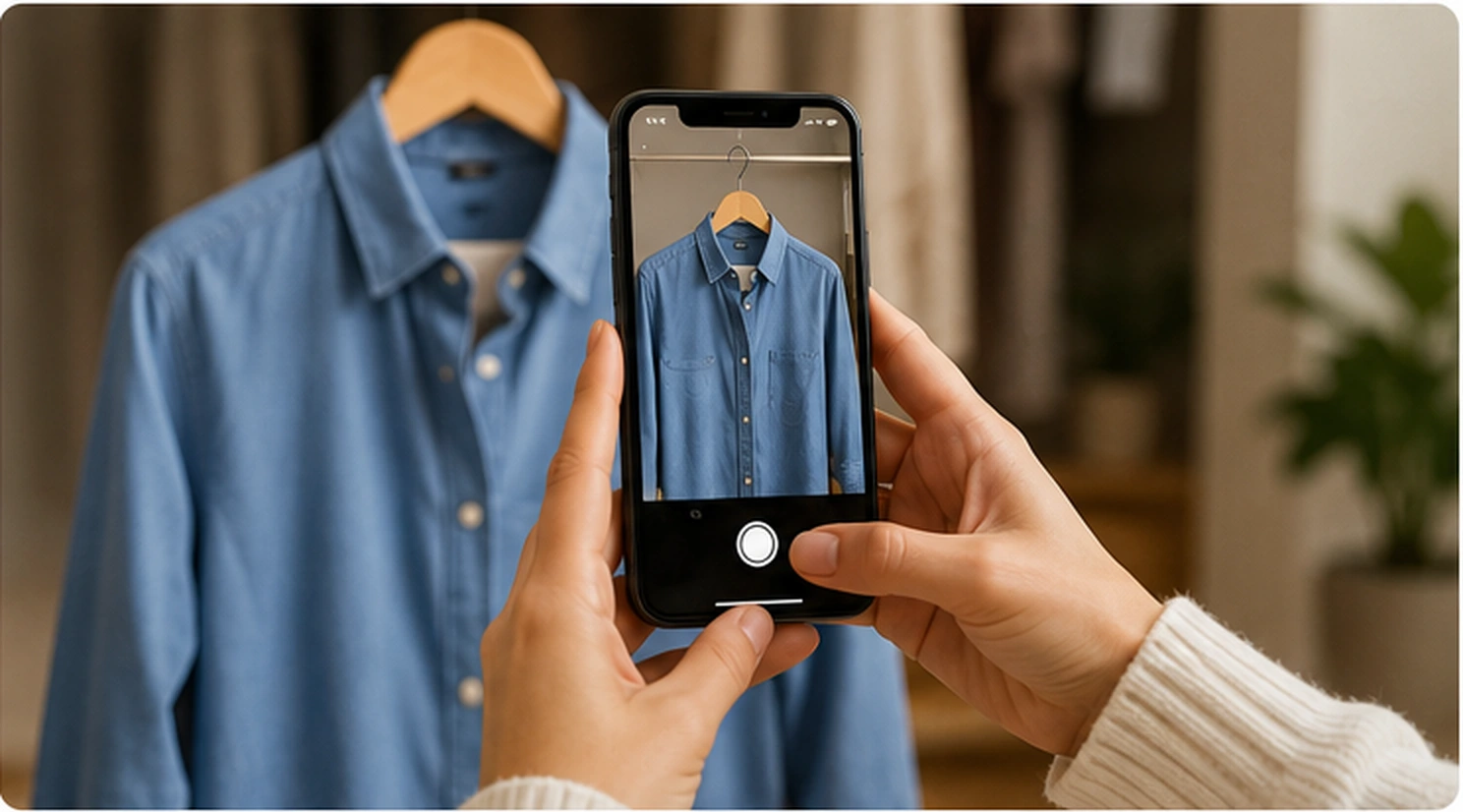
Add From Anywhere
Not every item needs to be photographed from scratch. Colourity supports adding a garment straight from an existing product photo — such as an image shared in from a shopping app — with the same automatic category, colour, pattern, and formality extraction as a photographed garment.
What Your Digital Wardrobe Contains
Every scanned or added garment lives in your personal Wardrobe Library, viewable and manageable at any time. Each item gets its own detail view, showing its photo alongside the attributes Colourity identified.
Organising garments by category, colour, pattern, and formality is what makes the difference — it's the reason your wardrobe becomes something you can actually use, rather than just a photo gallery you scroll through.
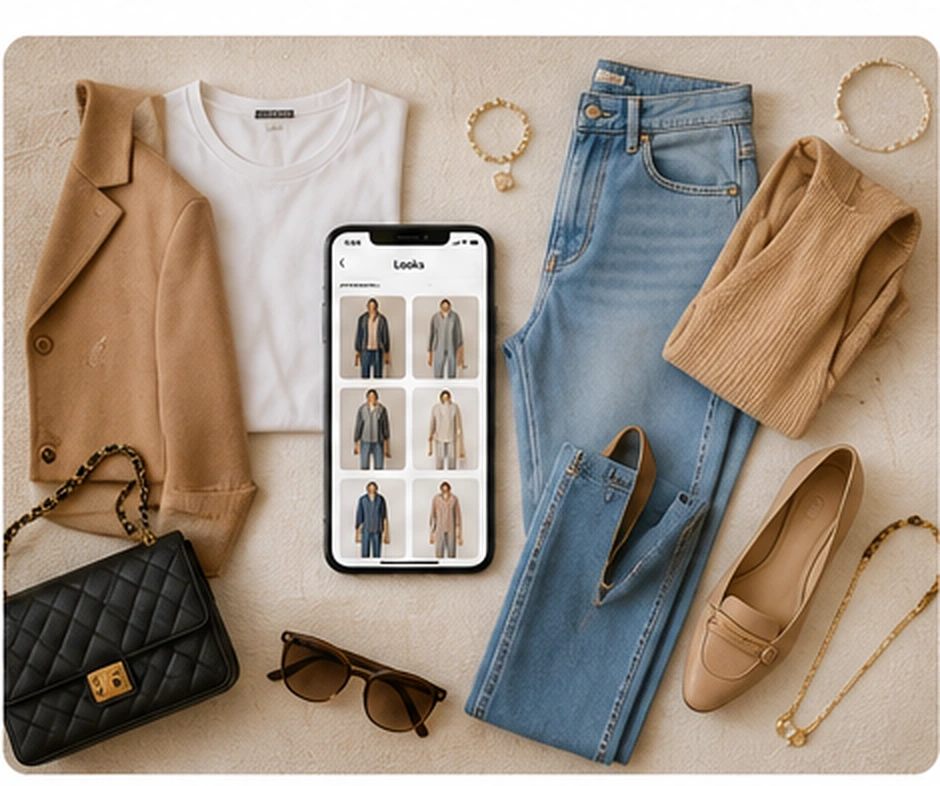
See Your Whole Wardrobe at a Glance
Instead of trying to remember individual pieces, you can see your wardrobe as a complete collection — and actually answer the questions you'd normally have to go and check in person.
- What do I already own?
- How many similar pieces do I have?
- What can I use for this occasion?
- What pieces have I forgotten about?

Real-Life Uses
Instead of pulling physical clothes off hangers to experiment, browse your wardrobe digitally from your couch, mid-shop, during travel, or whenever it's useful.
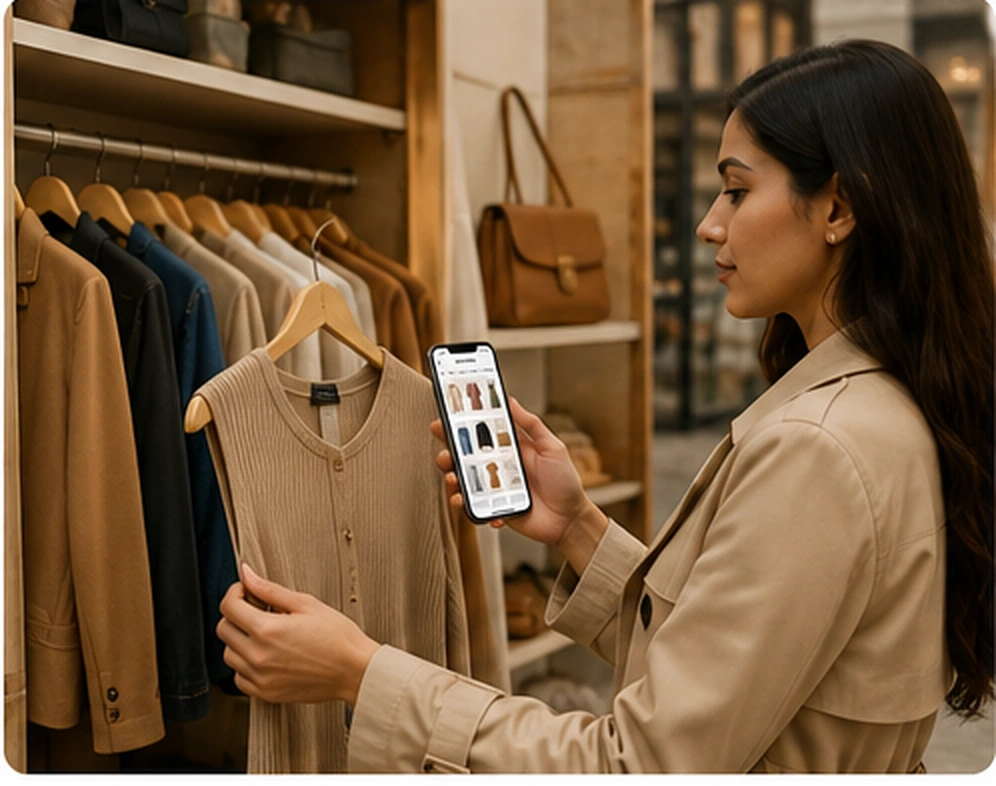
Before Shopping
Check what you already own before adding to it.
Before Travel
Plan from the clothes you actually have before you pack.
Before an Occasion
See which relevant pieces are already available.
When It Feels Overwhelming
Browse your wardrobe digitally instead of searching physically.
Your Wardrobe Is the Foundation
A digital wardrobe becomes more useful once it can be used to plan outfits. Now that you know what you own, the next question is: what should you wear?
See how Outfit Planner worksSmarter Shopping Starts With Knowing What You Own
Once your wardrobe is digitised, Colourity can check a new item against what you already have — before you buy it, not after.
See how Scan Before You Buy worksColours → What You Own → What To Wear → What To Buy
Frequently Asked Questions
A digital wardrobe is a digital representation of the clothes and accessories you already own — organised, viewable, and usable without physically searching through your closet.
A digital wardrobe helps you see everything you own in one place, find pieces faster, rediscover clothes you'd forgotten about, and check what you already have before buying more — which can help reduce duplicate purchases.
You photograph a garment (or add it from a product photo), and Colourity AI automatically identifies its category, colour, pattern, and formality. The item is then saved to your personal Wardrobe Library, ready to browse or use in outfit planning.
Photograph a garment directly in the Colourity app, or add it from an existing product photo — for example, an image shared in from a shopping app. Colourity supports scanning multiple items in one session.
Yes. Colourity's Garment Scanning photographs and automatically analyses a garment, adding it to your Wardrobe Library — no manual tagging required.
Colourity identifies category, colour, pattern, and formality from a photographed garment.
Yes. Colourity supports adding garments from a product photo — for example, an image shared in from a shopping app — with the same automatic attribute extraction as a photographed garment.
Once your wardrobe is digitised, Colourity's Outfit Planner can use those garments to build outfit combinations for you — colour harmony, pattern compatibility, and formality computed from the attributes already extracted, rather than decided fresh each time.
Before buying something new, Colourity's Scan Before You Buy checks it against your existing wardrobe and colour profile — flagging likely duplicates, checking palette fit, and scoring general versatility, which can help reduce duplicate purchases.
Related Masterclass Guides
Start Digitising Your Closet Today
Download Colourity on Android to get started for free.
Get Colourity App